

How IPTV Works with Smart TV
A Guide for Canadian Viewers
Introduction
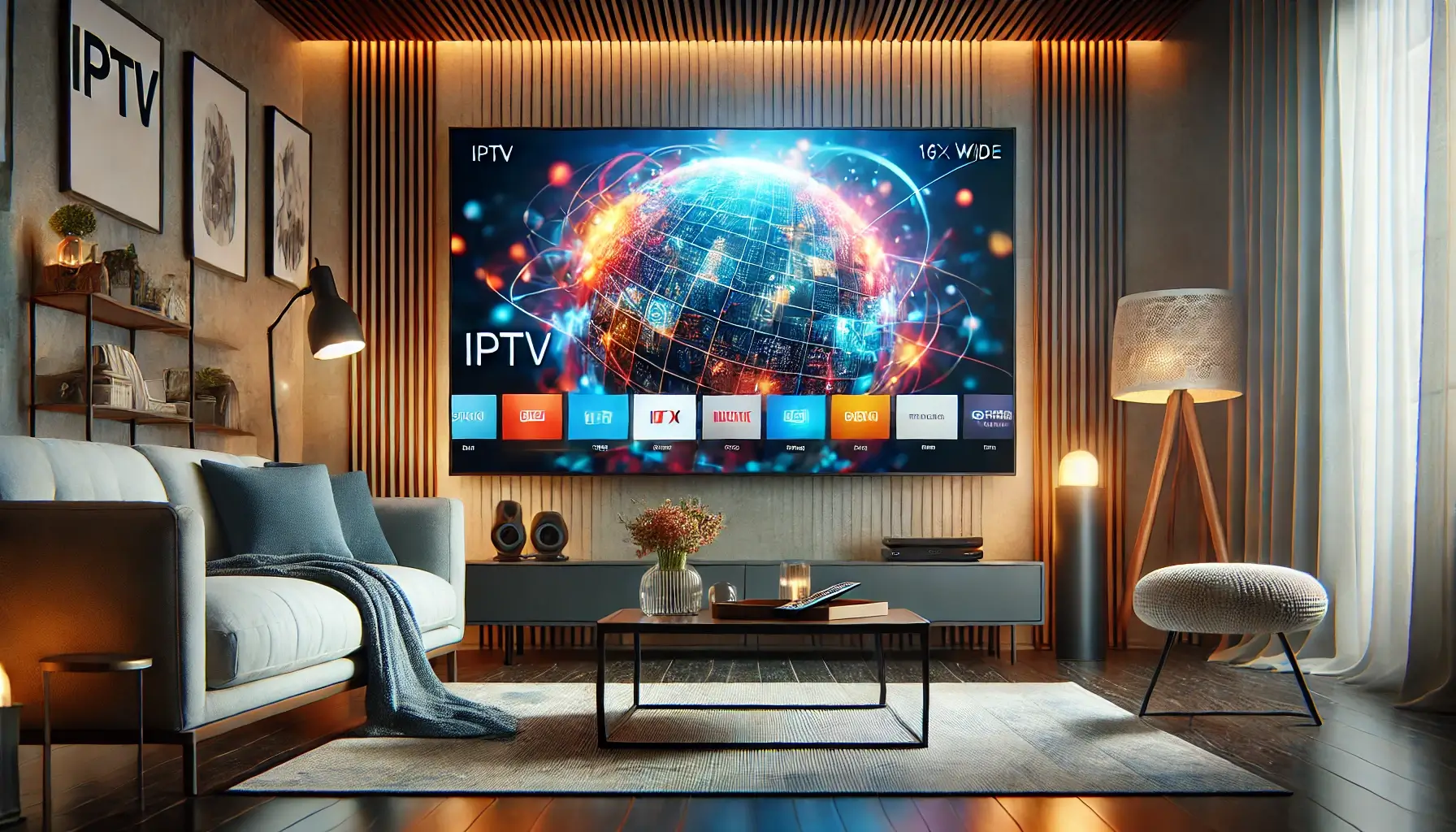
In the digital age, traditional television services are being swiftly replaced by more flexible and versatile options. One such option that has gained immense popularity is IPTV, or Internet Protocol Television. This technology allows you to stream television content over the internet, providing a vast array of channels and on-demand content right to your Smart TV.
For Canadians, IPTV offers a convenient and cost-effective alternative to cable and satellite TV, making it easier than ever to access high-quality entertainment from the comfort of your home. In this guide, we’ll explore how IPTV works with Smart TVs, highlight the benefits for Canadian users, provide a detailed setup guide focusing on Rove IPTV, and answer some frequently asked questions to help you get started.
What is IPTV and How Does it Work?
IPTV, or Internet Protocol Television, is a modern way to deliver television content using the internet. Unlike traditional cable or satellite TV, which relies on physical cables and satellite dishes, IPTV streams TV programs and movies through your internet connection. This method allows for a more flexible and customizable viewing experience.
Key Components of IPTV
- IPTV Service Provider: This is the company that delivers the IPTV service. They manage the streaming servers, content libraries, and user IPTV subscription.
- Internet Connection: A stable and fast internet connection is crucial for IPTV. For standard definition (SD) streaming, a minimum speed of 5 Mbps is recommended, while high definition (HD) and 4K streaming require at least 25 Mbps.
- IPTV Apps and Devices: To access IPTV, you’ll need a compatible device like a Smart TV, smartphone, tablet, or a dedicated IPTV box. Most modern Smart TVs come with built-in support for IPTV apps or can download third-party apps like Smart IPTV or TiviMate.
How IPTV Delivers Content
IPTV works by sending video content in small packets over the internet. When you select a channel or movie, these packets are streamed to your device in real-time, allowing for immediate playback. This technology supports live TV broadcasts, video on demand (VOD), and even interactive features like pausing, rewinding, and recording live TV.
Benefits of IPTV for Canadian Users
- Flexibility: IPTV allows you to watch your favorite shows and movies whenever and wherever you want, as long as you have an internet connection. This is especially beneficial for people with busy schedules or those who travel frequently.
- Extensive Content Library: IPTV services often offer a vast library of content, including live TV channels, movies, TV shows, documentaries, and more. This ensures there is something for everyone, catering to diverse viewing preferences.
- Cost-Effectiveness: Compared to traditional cable or satellite TV, IPTV can be more cost-effective. Subscription fees are often lower, and there is no need for expensive hardware installations.
- High-Quality Streaming: Many IPTV services provide high-definition (HD) and ultra-high-definition (UHD/4K) streaming options, ensuring a superior viewing experience.
- Interactive Features: IPTV services often come with interactive features, such as the ability to pause, rewind, and record live TV, as well as access to on-demand content and personalized recommendations.
How IPTV Works on Smart TV: With Rove IPTV
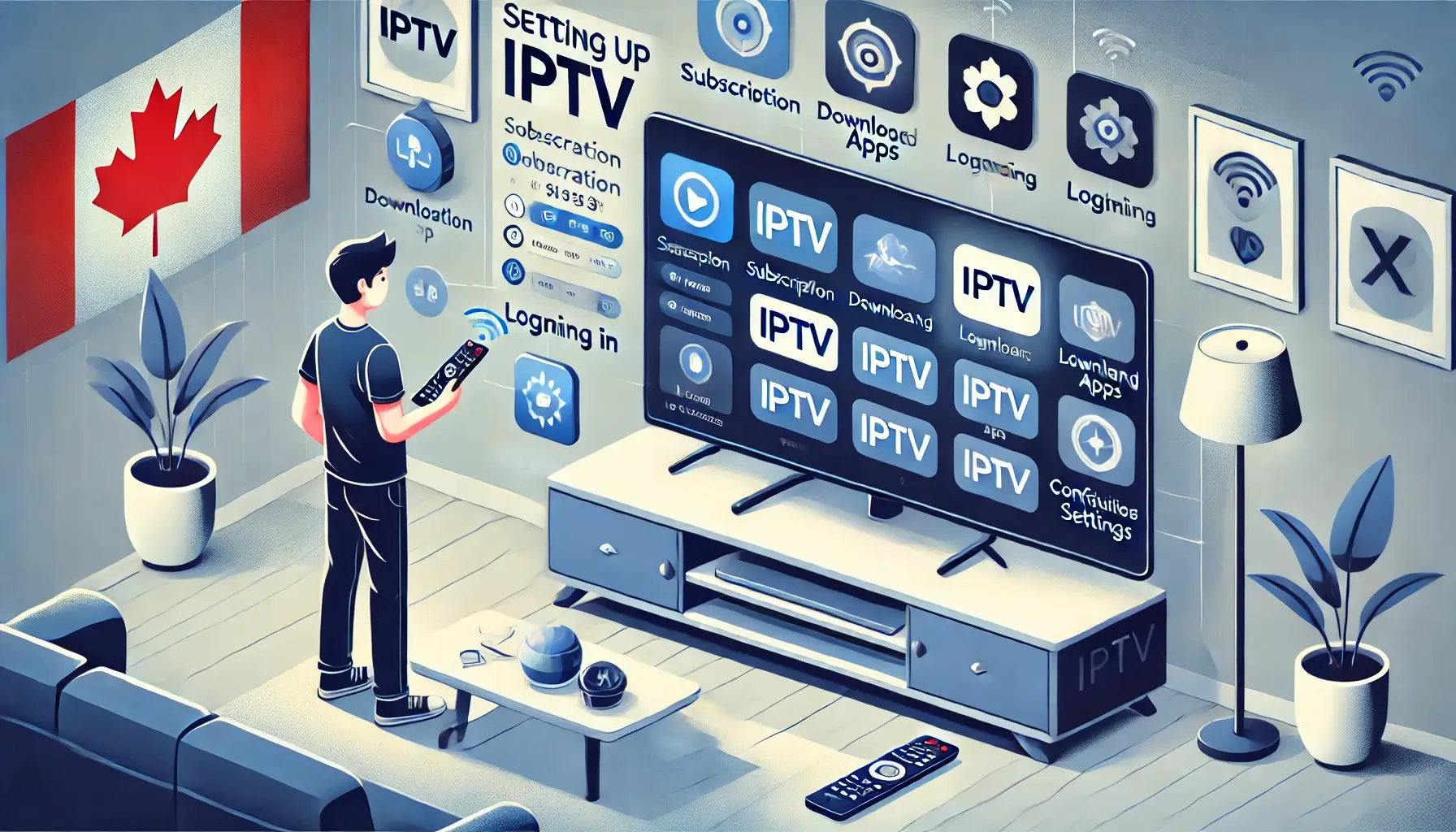
Setting up IPTV on your Smart TV can be straightforward, especially with services like Rove IPTV from roveiptv.net/shop/. Here’s a step-by-step guide to help you get started:
Subscribe to Rove IPTV
Visit roveiptv.net/shop/ and choose a subscription plan that suits your needs.
Install IPTV App
- Samsung Smart TVs: Navigate to the Apps section on your Home screen, search for “Smart IPTV” or “TiviMate,” and install the app.
- LG Smart TVs: Go to the LG Content Store, search for “Smart IPTV” or “TiviMate,” and install the app.
- Other Smart TVs: Use the app store available on your TV to find and install an IPTV app.
Log in and Configure
- Open the installed IPTV app and log in using the credentials provided by Rove IPTV.
- Enter any necessary codes or details to activate your subscription.
- Configure your channel list and settings to personalize your viewing experience.
Optimize Your Connection
- Ensure you have a stable and fast internet connection. Use a wired connection if possible or ensure a strong Wi-Fi signal.
- Adjust the video quality settings in the IPTV app to match your internet speed and TV capabilities (Speedtest).
FAQ Section
Can IPTV be used without a satellite dish?
Yes, IPTV operates through an internet connection, meaning there is no need for a satellite dish. This makes it a convenient option for those living in apartments or areas where installing a satellite dish is impractical.
How many devices can use IPTV simultaneously?
Typically, an IPTV subscription allows streaming on one device at a time. However, many services offer the option to upgrade for multiple simultaneous connections. If you need 2 or 3 connections, contact your IPTV provider to see if they can accommodate this request.
What are the recommended IPTV player apps for Smart TVs?
Some of the best IPTV apps for Smart TVs include:
- Smart IPTV
- TiviMate
- XCIPTV Player
- IPTV Smarters Pro (Read More).
Is there a trial period available for testing IPTV services?
Yes, many IPTV providers offer a trial period. For instance, Rove IPTV allows users to test their service for 24 hours before committing to a full subscription. This helps ensure that the service meets your expectations before you make a purchase (Contact Us).
What types of content can I expect from IPTV services?
PTV services typically offer a wide range of content, including live TV channels, movies, TV shows, sports, and on-demand content. Some providers also offer access to international channels and exclusive PPV events.
Conclusion
IPTV offers a flexible, cost-effective, and high-quality alternative to traditional TV services, making it an excellent choice for Canadian viewers. By following the steps outlined in this guide, you can easily set up IPTV on your Smart TV and enjoy a personalized and immersive viewing experience. With the ability to watch a vast array of content whenever and wherever you want, IPTV is reshaping the way we consume television in Canada.
Enjoying this guide?
See live pricing for every device tier.
IPTV for Formuler Box: Ultimate 2026 Setup & Streaming Guide
IPTV for Formuler Box: Ultimate 2026 Setup & Streaming Guide IPTV for Formuler Box: The Ultimate 2026 Guide Your complete step-by-step guide to setting up,
How to Overcome IPTV ISP Throttling: A Comprehensive Guide
Struggling with IPTV ISP throttling? Learn what it is, how to detect it, and multiple ways to stop it, including the smart DNS solution used
IPTV for MAG Box | How to Get a Subscription and How to Install
Learn how to get the best IPTV subscription for your MAG box and follow our step-by-step installation guide. Enhance your streaming experience now!
Ready to switch to Rove IPTV?
Compare plans and get started in minutes.