
1
Install Downloader
Open Google Play and install Downloader by AFTVnews. If necessary, enable permission for Downloader to install unknown apps.
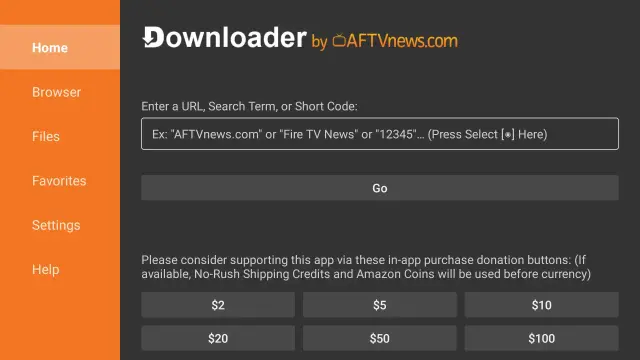
Use Google Play to install Downloader, install IboPlayer, then activate the app with your Device ID and Device Key.
Open Google Play and install Downloader by AFTVnews. If necessary, enable permission for Downloader to install unknown apps.
In Downloader enter 1171959 and choose Go. Install the downloaded APK and then open IboPlayer.
IboPlayer displays a unique Device ID and Device Key. Copy both values and send them to Rove support.
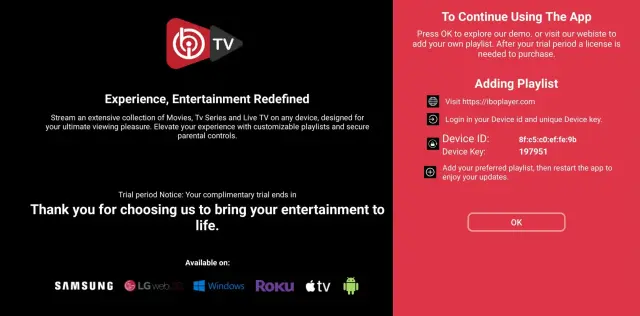
WhatsApp or email us your Device ID and Device Key, and we will upload the playlist for you.
Email: contact@roveiptv.net
WhatsApp: +1 939-888-3267