
1
Open Your TV App Store
On Samsung open Apps/Smart Hub; on LG open the LG Content Store. Use the search function and look for IboPlayer.
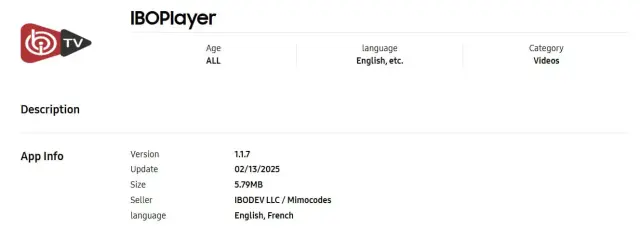
Use your television’s official app store to install IboPlayer, then send us the Device ID and Device Key displayed by the app.
On Samsung open Apps/Smart Hub; on LG open the LG Content Store. Use the search function and look for IboPlayer.
Select the application and choose Install or Download. Launch it from the TV home screen after installation.
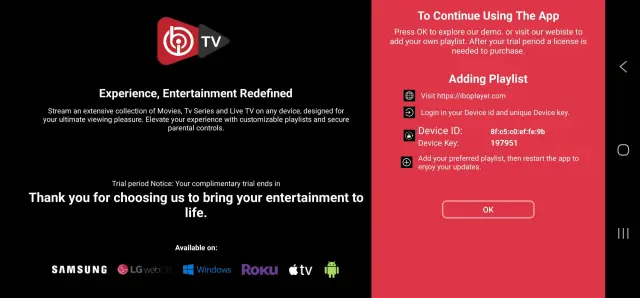
Copy the identifiers exactly as shown. We use them to upload the playlist to your player.
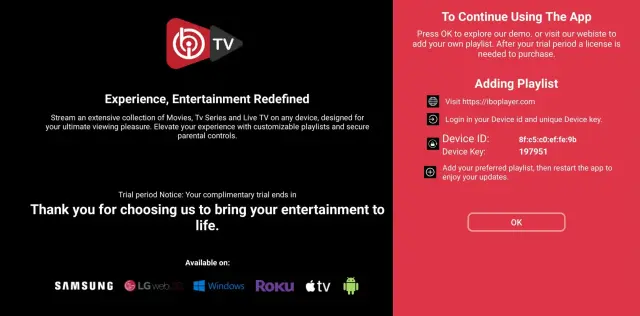
WhatsApp or email us your Device ID and Device Key, and we will upload the playlist for you.
Email: contact@roveiptv.net
WhatsApp: +1 939-888-3267