
1
Find IboPlayer in the App Store
Open the App Store and search for IboPlayer. Availability can vary by device and region.
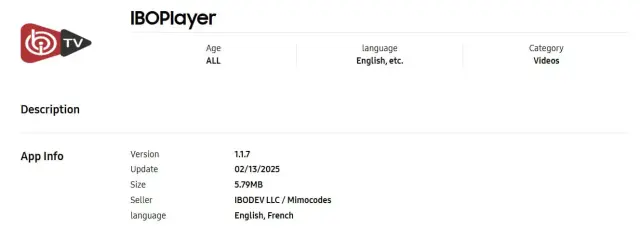
Use Apple’s App Store to install a compatible player. IboPlayer activation uses the Device ID and Device Key shown in the application.
Open the App Store and search for IboPlayer. Availability can vary by device and region.
Choose Get/Download, wait for installation, then launch IboPlayer from your device.
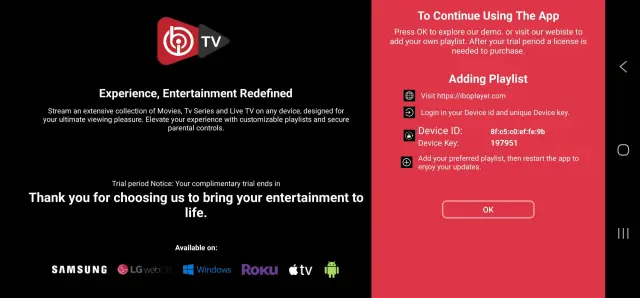
Write down both values exactly. Send them to us and restart the app after we confirm the playlist has been uploaded.
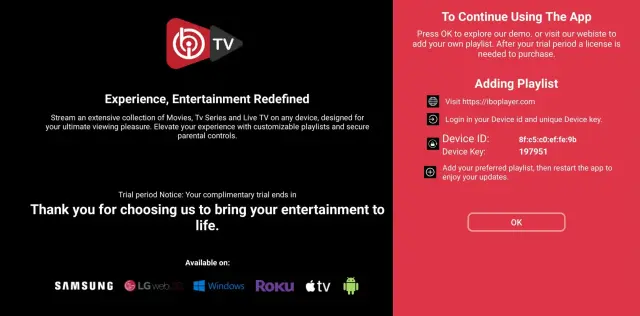
WhatsApp or email us your Device ID and Device Key, and we will upload the playlist for you.
Email: contact@roveiptv.net
WhatsApp: +1 939-888-3267