
1
Install IboPlayer
From the Roku home screen open Streaming Channels, search for IboPlayer, and add the channel.
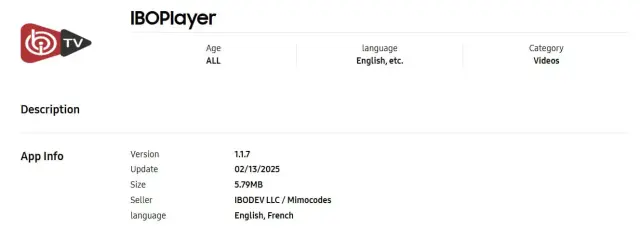
Install the player from the Roku Channel Store, open it, and send the Device ID and Device Key to Rove support.
From the Roku home screen open Streaming Channels, search for IboPlayer, and add the channel.
Open IboPlayer and locate the unique Device ID and Device Key displayed by the app. Copy both values exactly.
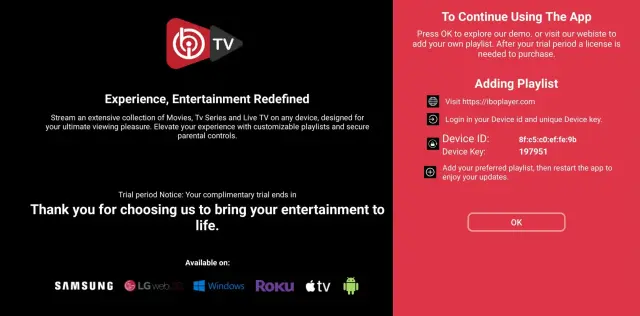
Send us the two identifiers. After we confirm activation, restart IboPlayer so it refreshes the playlist and content library.
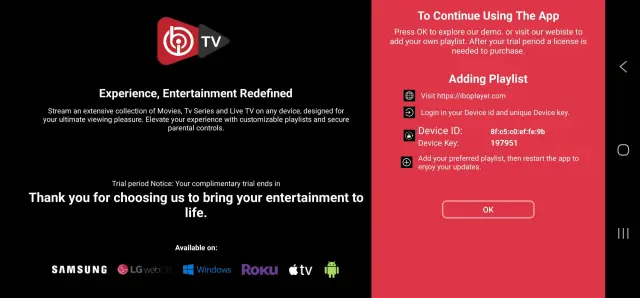
WhatsApp or email us your Device ID and Device Key, and we will upload the playlist for you.
Email: contact@roveiptv.net
WhatsApp: +1 939-888-3267